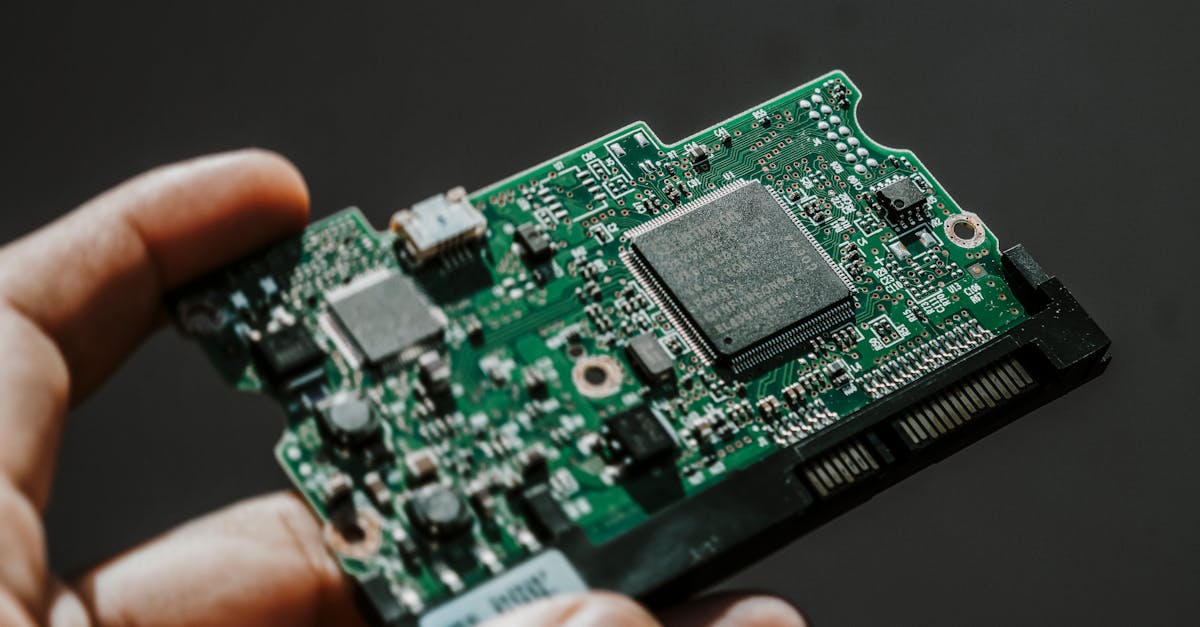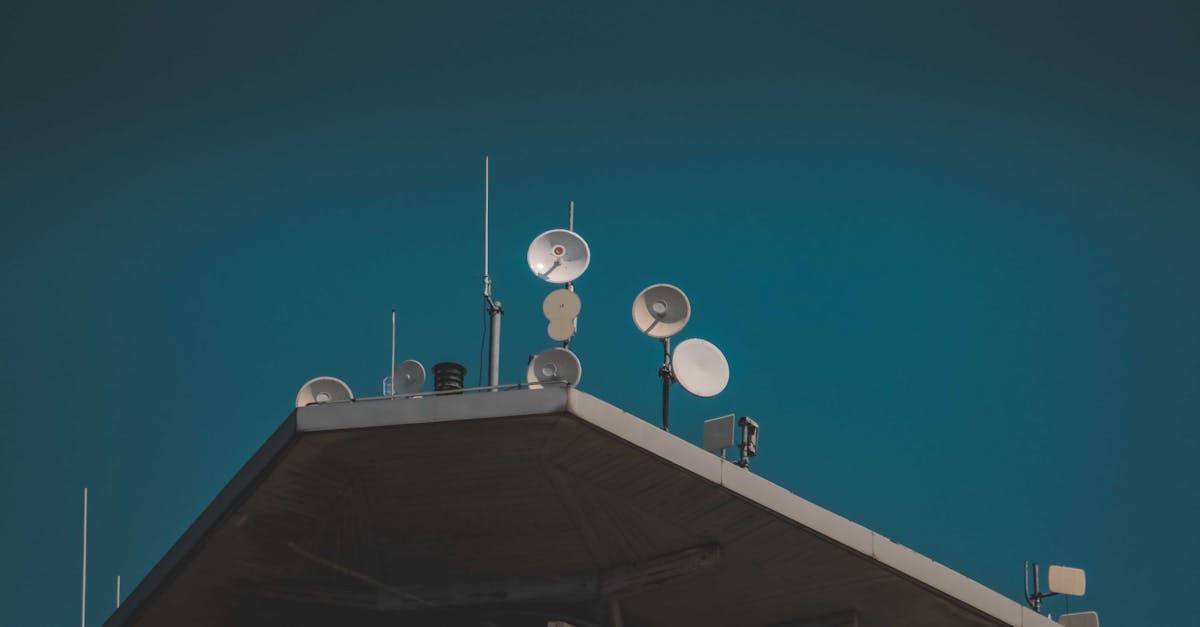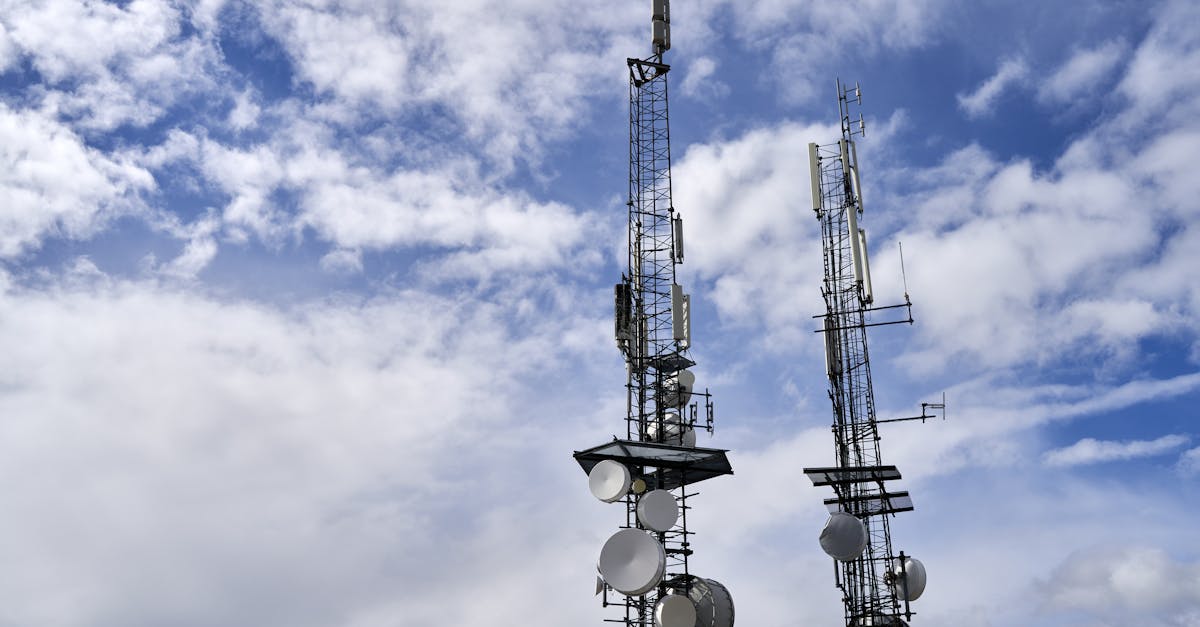
If you have ever tried connecting a hundred sensors spread across a farm in rural Karnataka or monitoring water tanks across a municipal ward in Pune, you know the pain. Wi-Fi does not reach. Cellular SIMs cost too much at scale. Bluetooth is laughably short-range. This is exactly the gap that LoRaWAN fills — and in India, The Things Network (TTN) lets you do it for free.
This guide walks you through everything: what LoRa and LoRaWAN actually are, how to set up an end device using an ESP32 + Ra-01H module, how to register on TTN with the IN865 frequency plan, and how to send real sensor data over a LoRaWAN network. Code included.
LoRa vs LoRaWAN: The Distinction That Matters
People use "LoRa" and "LoRaWAN" interchangeably. They should not.
LoRa (Long Range) is a physical layer radio modulation technique developed by Semtech. It uses Chirp Spread Spectrum (CSS) modulation to achieve extraordinary range — 2 to 15 km in real-world conditions — at extremely low power. The Ra-01H module on Wavtron uses the SX1276 chip, which implements this LoRa modulation.
LoRaWAN is a network protocol that sits on top of LoRa. It defines how devices join a network, how data is encrypted, how gateways forward packets to a central server, and how downlink commands reach devices. LoRaWAN is maintained by the LoRa Alliance.
Think of it this way:
| Layer | Technology | Analogy |
|---|---|---|
| Physical radio | LoRa (CSS modulation) | The radio waves in your FM radio |
| Network protocol | LoRaWAN | The RDS protocol that tells your radio the station name |
| Network server | TTN, Chirpstack, AWS IoT Core for LoRaWAN | The broadcast tower infrastructure |
You can use LoRa without LoRaWAN — point-to-point communication between two Ra-01H modules, for instance. But the moment you need to manage dozens or hundreds of devices, handle security, deal with packet acknowledgement, or integrate with cloud platforms, you need LoRaWAN.
LoRaWAN Architecture
A LoRaWAN network has four layers:
[End Devices] --LoRa radio--> [Gateways] --IP/backhaul--> [Network Server] --API--> [Application Server]
1. End Devices
Battery-powered sensors and actuators. An ESP32 paired with a Ra-01H module is a typical end device. These transmit small payloads (typically 10-50 bytes) at low data rates.
2. Gateways
Gateways receive LoRa packets from end devices and forward them to the network server over standard IP (Ethernet, Wi-Fi, or cellular backhaul). A single gateway can serve thousands of end devices within its range. Unlike Wi-Fi access points, gateways do not "pair" with devices — they forward all packets they hear.
3. Network Server
The network server (TTN, in our case) handles:
- Deduplication: Multiple gateways may hear the same packet; the server keeps only one copy
- Device authentication: Verifying that the device is legitimate using AES-128 keys
- MAC commands: Adjusting device parameters like data rate and transmit power
- Routing: Sending the payload to the correct application
4. Application Server
Your application logic. This is where you decode sensor data, store it in a database, trigger alerts, or send downlink commands back to devices.
Why LoRaWAN Over Raw LoRa?
If you have used the Ra-01H for point-to-point links, you might wonder why you need the complexity of LoRaWAN. Here is why:
- Security: LoRaWAN uses two layers of AES-128 encryption — one between device and network server (NwkSKey), another between device and application server (AppSKey). The network operator cannot read your data.
- Over-The-Air Activation (OTAA): Devices join the network dynamically. No hardcoding keys on every device.
- Adaptive Data Rate (ADR): The network server automatically adjusts each device's spreading factor and transmit power for optimal performance.
- Downlink support: Send commands back to devices — change reporting intervals, trigger relays, update firmware parameters.
- Scalability: One gateway, thousands of devices. No pairing, no connection management.
The Things Network: Free LoRaWAN for India
The Things Network (TTN) is a global, community-driven LoRaWAN network. Anyone can deploy a gateway and contribute coverage. Anyone can connect devices for free. The network server infrastructure is hosted by The Things Industries.
TTN v3, also called The Things Stack Community Edition, is the current version. It runs at eu1.cloud.thethings.network (for most regions including India).
TTN in India
TTN coverage in India is growing. Active communities exist in:
- Bengaluru: One of the most active Indian TTN communities, with gateways deployed across Koramangala, Whitefield, and Electronic City
- Mumbai: Gateways around Andheri, Powai, and Navi Mumbai
- Delhi-NCR: Scattered coverage in Gurugram and Noida, mostly from corporate pilot projects
- Hyderabad: Growing presence near HITEC City
- Pune: University-driven deployments around COEP and MIT campuses
You can check live gateway coverage at ttnmapper.org. If there is no gateway near you, deploying one is straightforward — and your gateway contributes to coverage for everyone.
Indian Frequency Plan: IN865
Every country has specific ISM (Industrial, Scientific, Medical) frequency bands allocated for unlicensed use. India uses the IN865 frequency plan: 865-867 MHz.
Key parameters for IN865:
| Parameter | Value |
|---|---|
| Frequency range | 865.0625 - 866.5625 MHz |
| Default channels | 865.0625, 865.4025, 865.985 MHz |
| Max EIRP | 14 dBm (25 mW) |
| Duty cycle | 1% per sub-band |
| Bandwidth | 125 kHz |
| Spreading factors | SF7 to SF12 |
| Max payload (SF7) | 222 bytes |
| Max payload (SF12) | 51 bytes |
| Regulation | WPC (Wireless Planning & Coordination) — no license required |
This is critical: you do not need any license to operate LoRa devices on 865-867 MHz in India. The WPC has designated this as an unlicensed ISM band. However, you must respect the 14 dBm EIRP limit and duty cycle restrictions.
Hardware Setup: ESP32 + Ra-01H
For this guide, we will use an ESP32 development board and an Ai-Thinker Ra-01H module (based on the Semtech SX1276 chip). The Ra-01H supports 803-930 MHz, making it compatible with IN865.
Wiring
The Ra-01H communicates over SPI. Here is the wiring to an ESP32:
| Ra-01H Pin | ESP32 Pin | Function |
|---|---|---|
| VCC | 3.3V | Power (3.3V only!) |
| GND | GND | Ground |
| SCK | GPIO 5 | SPI Clock |
| MISO | GPIO 19 | SPI Data Out |
| MOSI | GPIO 27 | SPI Data In |
| NSS | GPIO 18 | SPI Chip Select |
| RST | GPIO 14 | Reset |
| DIO0 | GPIO 26 | Interrupt |
| DIO1 | GPIO 33 | Interrupt |
| DIO2 | GPIO 32 | Interrupt (optional) |
Important: The Ra-01H runs at 3.3V. Never connect it to 5V — it will be permanently damaged.
Solder a 17.3 cm wire antenna to the ANT pad on the Ra-01H for the 865 MHz band (quarter-wave whip). For better performance, use a proper 868 MHz SMA antenna with a u.FL to SMA pigtail.
Setting Up The Things Network
1. Create an Account
Go to eu1.cloud.thethings.network and register. Choose a unique user ID — this cannot be changed later.
2. Create an Application
An application is a logical grouping of devices. In the TTN Console:
- Click Applications in the left sidebar
- Click + Create application
- Enter an Application ID (e.g.,
wavtron-farm-sensors) - Click Create application
3. Register an End Device
Inside your application:
- Click End devices then + Register end device
- Select Enter end device specifics manually
- Set Frequency plan to
India 865-867 MHz - Set LoRaWAN version to
LoRaWAN Specification 1.0.3 - Set Regional Parameters version to
RP001 Regional Parameters 1.0.3 revision A - Generate a DevEUI (click the generate button)
- Generate an AppKey (click the generate button)
- Click Register end device
Save the DevEUI, AppEUI (also called JoinEUI), and AppKey. You will need these in your firmware.
Firmware: OTAA Join with LMIC on ESP32
We will use the MCCI LMIC library (LoRaWAN-in-C), which is the most reliable LoRaWAN stack for Arduino-compatible boards.
Install Dependencies
In Arduino IDE or PlatformIO, install:
- MCCI LoRaWAN LMIC library (version 4.1.1 or later)
For PlatformIO, add to platformio.ini:
[env:esp32]
platform = espressif32
board = esp32dev
framework = arduino
lib_deps =
    mcci-catena/MCCI LoRaWAN LMIC library@^4.1.1
build_flags =
    -D ARDUINO_LMIC_PROJECT_CONFIG_H_SUPPRESS
    -D CFG_in866=1
    -D CFG_sx1276_radio=1
    -D LMIC_LORAWAN_SPEC_VERSION=LMIC_LORAWAN_SPEC_VERSION_1_0_3
    -D hal_init=LMICHAL_init
The critical flag is CFG_in866=1 — this configures the LMIC stack for the Indian IN865 frequency plan.
OTAA Join Code
#include <Arduino.h>
#include <lmic.h>
#include <hal/hal.h>
#include <SPI.h>

// TTN device credentials (MSB format)
// Replace with YOUR values from the TTN Console
static const u1_t PROGMEM APPEUI[8] = {
    0x00, 0x00, 0x00, 0x00, 0x00, 0x00, 0x00, 0x00
};
void os_getArtEui(u1_t* buf) { memcpy_P(buf, APPEUI, 8); }

static const u1_t PROGMEM DEVEUI[8] = {
    0x00, 0x00, 0x00, 0x00, 0x00, 0x00, 0x00, 0x00
};
void os_getDevEui(u1_t* buf) { memcpy_P(buf, DEVEUI, 8); }

static const u1_t PROGMEM APPKEY[16] = {
    0x00, 0x00, 0x00, 0x00, 0x00, 0x00, 0x00, 0x00,
    0x00, 0x00, 0x00, 0x00, 0x00, 0x00, 0x00, 0x00
};
void os_getDevKey(u1_t* buf) { memcpy_P(buf, APPKEY, 16); }

// Pin mapping for ESP32 + Ra-01H
const lmic_pinmap lmic_pins = {
    .nss = 18,
    .rxtx = LMIC_UNUSED_PIN,
    .rst = 14,
    .dio = {26, 33, 32},
};

static osjob_t sendjob;
const unsigned TX_INTERVAL = 300; // Send every 5 minutes

void onEvent(ev_t ev) {
    switch (ev) {
        case EV_JOINING:
            Serial.println(F("OTAA joining..."));
            break;
        case EV_JOINED:
            Serial.println(F("OTAA joined!"));
            // Disable link check validation for TTN
            LMIC_setLinkCheckMode(0);
            break;
        case EV_JOIN_FAILED:
            Serial.println(F("Join failed — check keys and gateway"));
            break;
        case EV_TXCOMPLETE:
            Serial.println(F("TX complete"));
            if (LMIC.txrxFlags & TXRX_ACK) {
                Serial.println(F("Received ACK"));
            }
            if (LMIC.dataLen) {
                Serial.print(F("Downlink received: "));
                Serial.print(LMIC.dataLen);
                Serial.println(F(" bytes"));
                // Handle downlink — see downlink section below
                handleDownlink(LMIC.dataBeg, LMIC.dataLen);
            }
            // Schedule next transmission
            os_setTimedCallback(&sendjob,
                os_getTime() + sec2osticks(TX_INTERVAL), do_send);
            break;
        default:
            break;
    }
}

void do_send(osjob_t* j) {
    // Check if there is a current TX/RX job running
    if (LMIC.opmode & OP_TXRXPEND) {
        Serial.println(F("OP_TXRXPEND, not sending"));
        return;
    }

    // Read sensor data
    float temperature = readTemperature(); // Your sensor function
    float humidity = readHumidity();       // Your sensor function
    uint16_t soilMoisture = readSoilMoisture();

    // Encode payload efficiently (see encoding section)
    uint8_t payload[5];
    payload[0] = (uint8_t)((temperature + 40) * 2);  // -40 to 87.5C, 0.5C resolution
    payload[1] = (uint8_t)(humidity * 2);              // 0-100%, 0.5% resolution
    payload[2] = (uint8_t)(soilMoisture >> 8);         // Soil moisture high byte
    payload[3] = (uint8_t)(soilMoisture & 0xFF);       // Soil moisture low byte
    payload[4] = (uint8_t)(readBatteryVoltage() * 50); // 0-5.1V, 0.02V resolution

    LMIC_setTxData2(1, payload, sizeof(payload), 0); // Port 1, unconfirmed
    Serial.println(F("Packet queued"));
}

void setup() {
    Serial.begin(115200);
    Serial.println(F("LoRaWAN OTAA — IN865"));

    // LMIC init
    os_init();
    LMIC_reset();

    // IN865 specific: set default channels
    // The LMIC library handles this when CFG_in866 is defined,
    // but we explicitly set data rate for reliability
    LMIC_setDrTxpow(DR_SF7, 14); // Start with SF7, 14 dBm

    // Start join
    do_send(&sendjob);
}

void loop() {
    os_runloop_once();
}
Key note on DevEUI and AppEUI byte order: TTN Console displays these in MSB (most significant byte first). The LMIC library also expects MSB for APPEUI and DEVEUI when using PROGMEM. Double-check byte order — this is the single most common reason OTAA joins fail.
Encoding Payloads Efficiently
LoRaWAN payloads should be as small as possible. Every byte costs airtime, and airtime is limited by duty cycle. Never send JSON or ASCII strings over LoRaWAN.
Bad (wastes 40+ bytes):
{"temp":28.5,"hum":65.0,"soil":512}
Good (5 bytes):
payload[0] = (uint8_t)((temperature + 40) * 2);   // 1 byte: temp
payload[1] = (uint8_t)(humidity * 2);               // 1 byte: humidity
payload[2] = (uint8_t)(soilMoisture >> 8);          // 2 bytes: soil
payload[3] = (uint8_t)(soilMoisture & 0xFF);
payload[4] = (uint8_t)(batteryVoltage * 50);        // 1 byte: battery
The decoder on TTN reverses this encoding (see the payload decoder section below).
Handling Downlink Commands
Downlinks let you send commands from the cloud to your device. This is where LoRaWAN becomes truly powerful — remote configuration without physical access.
void handleDownlink(uint8_t offset, uint8_t length) {
    uint8_t* data = LMIC.frame + offset;

    if (length < 1) return;

    uint8_t command = data[0];

    switch (command) {
        case 0x01: // Set transmit interval
            if (length >= 3) {
                uint16_t newInterval = (data[1] << 8) | data[2];
                TX_INTERVAL = newInterval;
                Serial.print(F("TX interval set to "));
                Serial.print(newInterval);
                Serial.println(F(" seconds"));
            }
            break;

        case 0x02: // Toggle relay
            if (length >= 2) {
                uint8_t relayState = data[1];
                digitalWrite(RELAY_PIN, relayState ? HIGH : LOW);
                Serial.print(F("Relay set to "));
                Serial.println(relayState ? "ON" : "OFF");
            }
            break;

        case 0x03: // Request immediate sensor reading
            do_send(&sendjob);
            break;

        default:
            Serial.print(F("Unknown command: 0x"));
            Serial.println(command, HEX);
            break;
    }
}
To send a downlink from TTN Console: go to your device, click Messaging then Downlink, enter the hex payload (e.g., 0100012C to set interval to 300 seconds), select FPort 1, and click Schedule downlink. The command will be delivered after the device's next uplink.
TTN Payload Decoder
In your TTN application, go to Payload formatters and select Custom JavaScript formatter. This decoder runs on TTN's servers and converts raw bytes into readable JSON:
function decodeUplink(input) {
    var data = {};
    var bytes = input.bytes;

    if (bytes.length >= 5) {
        data.temperature = (bytes[0] / 2) - 40;       // Celsius
        data.humidity = bytes[1] / 2;                   // Percent
        data.soil_moisture = (bytes[2] << 8) | bytes[3]; // Raw ADC
        data.battery_voltage = bytes[4] / 50;           // Volts

        // Add computed fields
        data.soil_moisture_percent =
            Math.round((data.soil_moisture / 4095) * 100);

        // Warnings
        var warnings = [];
        if (data.battery_voltage < 3.3) {
            warnings.push("Low battery");
        }
        if (data.temperature > 50) {
            warnings.push("High temperature");
        }

        return {
            data: data,
            warnings: warnings
        };
    }

    return {
        errors: ["Expected 5 bytes, got " + bytes.length]
    };
}
After configuring this, the Live data tab in TTN Console will show decoded values like temperature: 28.5 instead of raw hex.
Setting Up a LoRaWAN Gateway
If there is no TTN coverage in your area, you need to deploy a gateway. Two options:
Option A: Commercial Gateway (Recommended)
The RAK7248 (also sold as WisGate Developer D4H) is a popular, affordable indoor gateway:
- Built-in LoRa concentrator (SX1301/SX1302)
- Raspberry Pi Compute Module 4 inside
- Costs around INR 15,000-20,000
- Plug and play — flash the firmware, register on TTN, done
Option B: DIY Gateway
Build one with a Raspberry Pi 4 and a RAK2245 Pi HAT (SX1301-based concentrator):
- Flash Raspberry Pi OS Lite to an SD card
- Install the UDP packet forwarder:
# Install dependencies
sudo apt-get update
sudo apt-get install -y git

# Clone the packet forwarder
git clone https://github.com/Lora-net/packet_forwarder.git
git clone https://github.com/Lora-net/lora_gateway.git

# Build
cd lora_gateway && make && cd ..
cd packet_forwarder && make && cd ..

# Configure for IN865
cd packet_forwarder/lora_pkt_fwd/
cp global_conf.json.IN865 global_conf.json
- Edit
global_conf.jsonto set the TTN server:
{
    "gateway_conf": {
        "server_address": "eu1.cloud.thethings.network",
        "serv_port_up": 1700,
        "serv_port_down": 1700
    }
}
- Register the gateway on TTN Console under Gateways using its EUI (derived from the Raspberry Pi's MAC address).
A DIY gateway costs roughly INR 8,000-12,000 (Pi 4 + RAK2245 + enclosure + antenna).
Antenna matters more than you think. An outdoor fibreglass antenna mounted at 10 metres height with a clear line of sight will give you 5-8 km coverage in semi-urban India. The stock rubber duck antenna indoors will barely cover 500 metres.
Integrating with External Services
TTN supports multiple integration methods to get your data into external platforms:
MQTT
TTN exposes an MQTT broker. Subscribe to device uplinks:
mosquitto_sub -h eu1.cloud.thethings.network \
    -p 1883 \
    -u "wavtron-farm-sensors@ttn" \
    -P "NNSXS.XXXXXXXXXXXXXXXXXXXXXXXXXXXXXXXX.XXXXXXXX" \
    -t "v3/wavtron-farm-sensors@ttn/devices/+/up"
The password is an API key generated in your TTN application settings.
Webhooks
TTN can POST JSON payloads to any HTTP endpoint. Configure in Integrations then Webhooks. This is ideal for sending data to your own Node.js or Python backend.
Third-Party Platforms
- TagoIO: Free tier supports 50 devices. Built-in dashboards, alerts, and data analysis. TTN integration is one-click.
- Cayenne (myDevices): Drag-and-drop dashboard builder. Use the Cayenne LPP payload format for automatic widget creation.
- Datacake: German platform with a generous free tier. Good for quick prototyping.
- Node-RED: Self-hosted flow-based programming. Perfect for complex automation logic.
LoRaWAN Device Classes
LoRaWAN defines three device classes, each with different power and latency trade-offs:
| Class | Receive Windows | Power Use | Latency | Use Case |
|---|---|---|---|---|
| A | Only after uplink (2 short windows) | Lowest | High (must wait for next uplink) | Battery sensors, agriculture, metering |
| B | Scheduled slots via beacon | Medium | Medium (predictable) | Tracking, periodic actuator control |
| C | Continuously listening | Highest | Near real-time | Mains-powered actuators, street lights |
Class A is the default and the only class most projects need. Your sensor wakes up, sends data, listens for 1-2 seconds, then sleeps. A well-designed Class A device on 2xAA batteries can last 2-5 years.
Class C is ideal for relay control or gateway-connected devices that have mains power. The device is always listening, so downlink commands arrive within seconds.
Duty Cycle and Fair Use Policy
Two constraints govern how often you can transmit:
Regulatory Duty Cycle
Indian IN865 has a 1% duty cycle per sub-band. If your packet takes 50 ms of airtime, you must wait 5 seconds before transmitting again on that sub-band. At SF12 (longest range), a 10-byte payload takes about 370 ms, requiring a 37-second cooldown.
TTN Fair Use Policy
TTN imposes an additional 30 seconds of uplink airtime per device per day and 10 downlink messages per device per day. This is more restrictive than the regulatory limit. With SF7 and a 5-byte payload (about 36 ms airtime), you can send approximately 833 messages per day — roughly one every 1.7 minutes.
Practical guidance for Indian deployments:
| Spreading Factor | Payload | Airtime | Max Messages/Day (TTN) | Typical Interval |
|---|---|---|---|---|
| SF7 | 5 bytes | ~36 ms | ~833 | Every 2 minutes |
| SF7 | 20 bytes | ~57 ms | ~526 | Every 3 minutes |
| SF9 | 5 bytes | ~144 ms | ~208 | Every 7 minutes |
| SF12 | 5 bytes | ~991 ms | ~30 | Every 48 minutes |
For most sensor applications (agriculture, environment, metering), transmitting every 5-15 minutes at SF7 is the sweet spot.
Real-World Deployments in India
LoRaWAN is not theoretical in India. Active deployments include:
Smart Agriculture in Maharashtra: A pilot in Nashik district uses LoRaWAN soil moisture sensors across 200 acres of grape vineyards. Sensors transmit every 15 minutes, and automated drip irrigation valves (Class C devices) respond to soil moisture thresholds. Reported water savings: 30%.
Water Tank Monitoring in Bengaluru: BWSSB (Bangalore Water Supply and Sewerage Board) has piloted LoRaWAN-based water level sensors in overhead tanks across Mahadevapura zone. Ultrasonic level sensors report every 10 minutes, enabling demand-based water distribution.
Smart Street Lighting in Jaipur: Jaipur Smart City Limited deployed LoRaWAN-controlled street lights as part of the Smart Cities Mission. Each light fixture has a Class C LoRaWAN module for remote dimming, on/off control, and energy metering.
Air Quality Monitoring in Delhi: Multiple community-driven initiatives use LoRaWAN-connected PM2.5 and PM10 sensors to create hyperlocal air quality maps, supplementing CPCB station data.
Cost Comparison: LoRaWAN vs Cellular IoT
For 100 devices deployed for 3 years, the economics strongly favour LoRaWAN:
| Cost Factor | LoRaWAN (TTN) | Cellular (4G SIM) |
|---|---|---|
| Device module cost | ~INR 250 (Ra-01H) | ~INR 800 (SIM7600) |
| Network cost/device/month | INR 0 (TTN is free) | ~INR 50 (IoT data plan) |
| Gateway (1 per 100 devices) | INR 18,000 (one-time) | Not needed |
| Total hardware (100 devices) | INR 43,000 | INR 80,000 |
| Network cost (3 years) | INR 0 | INR 1,80,000 |
| 3-year total | ~INR 43,000 | ~INR 2,60,000 |
That is roughly 6x cheaper with LoRaWAN. The savings multiply with scale — at 1,000 devices, the cellular network cost alone exceeds INR 18 lakh over three years.
The trade-off is bandwidth. LoRaWAN is suitable for small, infrequent payloads (sensor readings, meter data, GPS coordinates). If you need to stream video, send images, or transfer large files, cellular is the only option.
Getting Started: Your First Project Checklist
Here is a practical sequence to go from zero to a working LoRaWAN deployment:
- Get hardware: ESP32 dev board + Ra-01H module + a DHT22 or BME280 sensor from wavtron.in
- Wire it up: Follow the pin mapping table above. Solder the antenna wire.
- Create a TTN account and register an application and device with IN865 frequency plan
- Flash the LMIC firmware: Use the OTAA code above with your device credentials
- Check for gateway coverage at ttnmapper.org. If none nearby, deploy a RAK7248 or DIY gateway
- Verify the join: Watch the TTN Console Live Data tab for a successful join accept
- Add the payload decoder: Paste the JavaScript formatter in your TTN application
- Set up an integration: Start with MQTT or TagoIO for instant dashboards
- Deploy outdoors: Weatherproof your sensor node and test range
Next Steps
Once you have a working end device and gateway, explore:
- Cayenne LPP encoding for automatic dashboard widgets without writing custom decoders
- Adaptive Data Rate (ADR) to let the network optimise spreading factor automatically
- Multicast for sending firmware updates to groups of devices simultaneously
- LoRaWAN geolocation using TDOA (time difference of arrival) across multiple gateways
- ChirpStack as a self-hosted alternative to TTN when you need full control over the network server
LoRaWAN is the most practical long-range IoT technology available in India today. The IN865 band is license-free, the hardware is affordable, and TTN gives you a production-grade network server at zero cost. Whether you are monitoring a farm in Andhra Pradesh, tracking assets in a Surat warehouse, or building a smart campus in Chennai — the stack is ready. Start building.